 Planet Clicker
Planet Clicker
- Developer:
- ZapGames.io
- Rating:
- New
- Released:
- Technology:
- HTML5 Scratch/TurboWarp iframe
- Platforms:
- Desktop, Mobile, Tablet, Chromebook
Game overview
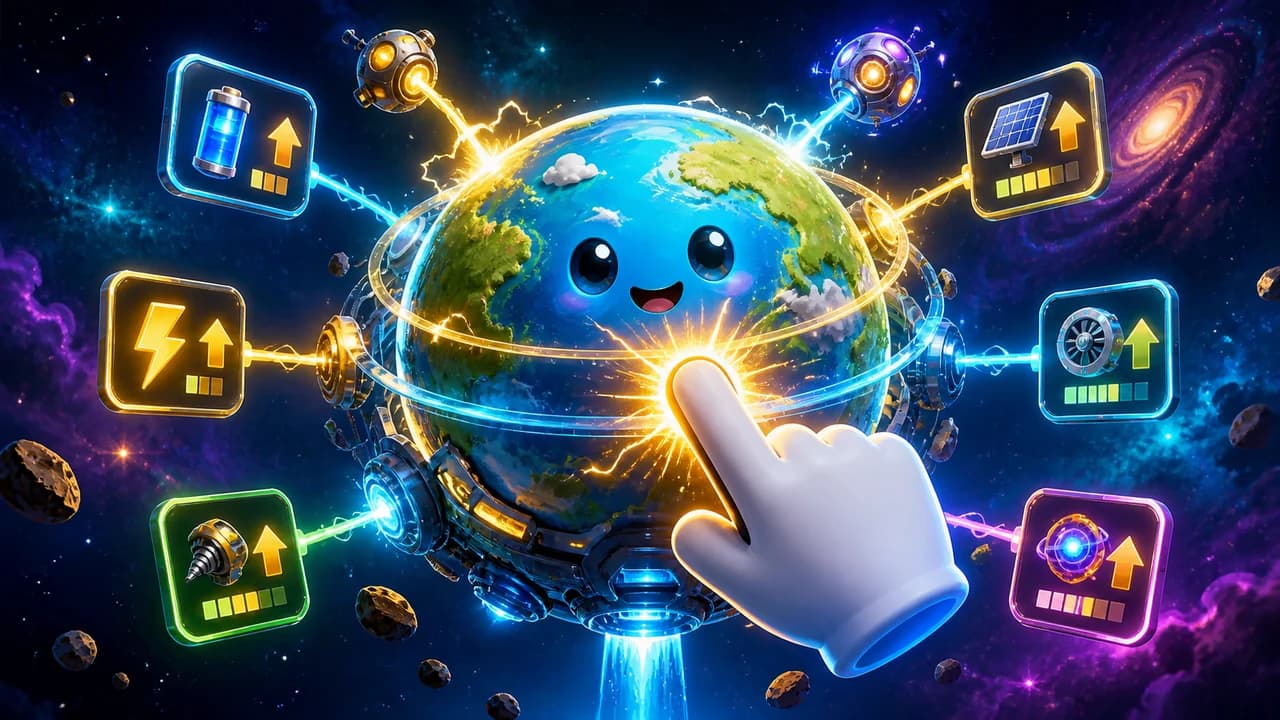
Play Planet Clicker online for free. Build energy by clicking planets, buy upgrades, unlock Mars and Venus, and grow an idle space economy in your browser.
How to play
- Click Play, then press Play Now inside the ZapGames frame and wait for the TurboWarp player to load.
- Click or tap the planet to generate energy and keep the first upgrades moving.
- Spend energy on upgrades that improve click power, automatic income, and overall production speed.
- Unlock new planets such as Mars and Venus when they become affordable, then invest in their upgrades.
- Keep the frame focused while playing, and avoid clearing browser data if the game stores progress locally.
Route check
Plan the next upgrade
Use this quick check before pressing play. It helps you choose between click power, idle income, and saving for the next planet.
Choose an upgrade goal and spending style, then check the next useful move.










Walkthrough
Planet Clicker guide
Click planets, build energy income, buy upgrades, and unlock new worlds in a space idle game.
Play the space idle clicker online
Planet Clicker is a space idle clicker game about turning simple taps into a growing energy economy. You start by clicking a planet for energy, then use that energy to buy upgrades that make every click stronger or add automatic production while the game keeps running.
This browser page uses the public ZapGames embed rather than a local game package. The wrapper opens a TurboWarp-packaged HTML5 version, so you can play in the browser without downloading an APK, EXE, or separate app.
The upgrade planner on this page gives you a small task before you start clicking. Choose whether you want stronger taps, idle income, or the next planet unlock, then use the recommendation to guide your early spending.
How the energy gameplay works
The main loop is easy to understand: click the planet, watch the energy total rise, buy an upgrade, and repeat with better production. Early progress depends on active clicking, but the game becomes more interesting once upgrades begin producing energy automatically in the background.
Planet Clicker is not about fast reflexes or complicated combat. It is an incremental game where each purchase changes the next decision. A small click upgrade can help right now, while an idle generator may pay off better if you plan to keep the session open for longer.
That balance is what makes the space economy grow. Active clicks push the next purchase closer, while automatic production keeps progress moving when you pause to compare upgrade costs.
- Use active clicks to push through the slow opening.
- Compare upgrade costs before spending all of your energy.
- Let idle production build while you decide what to unlock next.
Energy guide and best upgrade habits
A good strategy starts with balanced energy growth. If you only buy click power, you may need to keep tapping constantly. If you only buy idle upgrades too early, the opening can feel slower than necessary. The best first runs usually mix both so each click feels useful while passive income keeps rising.
When several upgrades are available, look for the option that changes your next minute the most. A cheaper upgrade can be better than saving too long for a larger one, especially when it helps you reach the next planet or production tier sooner. This clicker rewards steady compounding more than random spending.
A practical rule is to buy small upgrades until the next milestone is close. Saving too early can leave production flat, but spending everything without a plan can delay the planet unlock that would open a better income path.
- Buy low-cost upgrades early to speed up the first energy milestones.
- Shift toward idle income once each click already feels productive.
- Avoid spending only on the newest upgrade if older options give faster value.
Unlocking planets and planning longer runs
Many players search for how to unlock Mars, Venus, or all planets because the game opens up as new worlds become available. Each planet acts like a new stage of production, giving you another place to invest energy and another reason to keep improving your income rate.
Do not rush every unlock the second it appears. If your current energy income is still low, a few more upgrades on the active planet can make the next unlock easier to afford and easier to develop. The stronger your base production becomes, the faster each new world starts paying back its cost.
For longer runs, think in cycles: click actively, buy a few production upgrades, wait for idle income to catch up, then decide whether the next planet is affordable. This rhythm keeps the browser session from turning into blind tapping.
Controls, devices, and unblocked play notes
Controls are built around mouse clicks and touch taps, so the game fits desktop, Chromebook, tablet, and mobile browser play. Desktop is usually the most comfortable option for repeated clicking, while phones and tablets can work well when the frame finishes loading and the screen has enough room for the upgrade buttons.
The current embed returns a normal response and does not send common frame-blocking headers, which makes it suitable for this site player. Access can still depend on a school, work, or public network because the playable frame loads from ZapGames and then opens the actual game from a separate host.
- Click inside the player first if the game does not respond immediately.
- Refresh once if the preloader stalls on a restricted network.
- Use the full-screen button when available for easier upgrade management.
Upgrade planning for faster progress
The safest early plan is to avoid extremes. Click power helps when you are actively playing, and idle income helps when you look away or compare costs. Mixing both keeps energy moving in more situations.
If an upgrade pays for itself quickly, buy it before saving for a distant planet. If the next world is already close, stop spending for a short moment and unlock it. The right choice depends on how much energy you earn per click and how fast passive income fills the gap.
Use the planner above the guide when the next move is unclear. It is intentionally simple: pick a goal, choose a spending style, and follow the suggestion that fits the current stage of the run.
Common clicker mistakes
One common mistake is buying only the most expensive option because it looks important. A lower-cost upgrade can sometimes improve production faster, especially early in the session when every small increase affects the next purchase.
Another mistake is ignoring idle income until tapping becomes tiring. Active clicking is useful, but automatic production keeps the space economy growing while you read prices, switch planets, or wait for the next unlock.
Players also lose momentum by unlocking a new world and then leaving it underdeveloped. After a planet unlock, buy enough upgrades there to make the new stage meaningful before saving for the following milestone.
Short session goals
For a quick session, set one measurable goal before pressing play. You might aim to buy three early upgrades, reach a specific energy total, unlock Mars, or improve idle production enough that the next purchase happens without constant tapping.
Clear goals make the browser version easier to use during short breaks. Instead of clicking randomly, you can test one plan, see whether production improved, and return later with a better idea of what to buy next.